Password Folder – Password Protect Large Folders on Windows in 3 Seconds
Dear editor, May I submit the new program Password Folder? This tool can protect folders larger...

Dear editor, May I submit the new program Password Folder? This tool can protect folders larger...
A new handy and useful freeware tool changes the look and behavior of certain applications. Today...
Google has removed close to 600 Android apps and banned their developers from the Play store...
Microsoft’s drive to continuously update Windows 10 and its features looks set to continue, with a...
Microsoft relesed preview builds from the Microsoft Edge Canary channel available on Windows 7, Windows 8,...
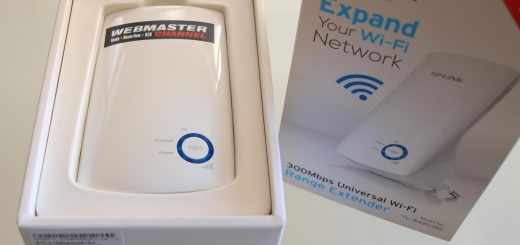
Using Wi-Fi extenders? Security researchers from IBM have found a critical loophole with TP-link extenders that...
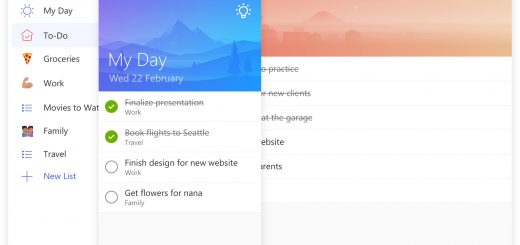
Once upon a time, Wunderlist was the go-to application for creating reminders, tasks and other to-do...
Spotted by the eagle eyes of Windows Latest, Microsoft has warned users that its new KB4503327 security upgrade can cause...
Following the discovery of a zero-day vulnerability in its browser, Mozilla is urging Firefox users to...
The Web is both a wonderful and frightening place where one can learn things and also...
Google has an unhealthy amount of control over our lives. Reports are coming through that the...
If you’re looking to strengthen the Wi-Fi signal in your home or business, be sure the equipment...
The Windows 10 October 2018/1809 release was Microsoft’s most problematic feature update wave (so far, anyway)....
Opera for computers is a fast and secure browser trusted by millions of users. With the...
Microsoft has issued a warning to Azure customers on Friday about a Linux worm spreading via...
Microsoft has confirmed that its latest updates for Windows 10 and below cause a problem in...
Yes, you can get a properly activated version of Windows 10 for free.
The Mozilla Foundation and Google released “high” rated security updates for Thunderbird and Chrome, respectively.


Windows 10 Might Soon Track Absolutely Everything You Do for Your Own Good
September 24, 2016