sayyed.ali1981
About sayyed.ali1981

- Birthday 04/24/1981
sayyed.ali1981's Achievements
0
Reputation
-
Where to find this in win 7 dvd to edit, any 1 knows plz reply, This can be used in win pe.

-
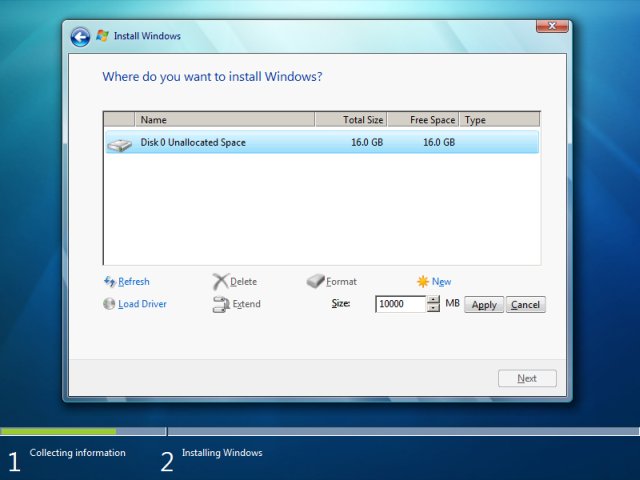
Hi guys, finally got the diskpart to work with cmd with full automated funcnality still in progress, almost 75% codeing has been done,check out the final.txt and comment on it for further editing. @ECHO OFF COLOR 9A :begin CLS ECHO. ECHO Welcome to Diskpart Which will create partition automaticaly ECHO Warning it will wipe your data completely ECHO If selected wrong disk be carefull while selecting ECHO off echo>list.txt echo>list.txt list disk @echo off diskpart -s list.txt @echo off SET /P disk= Choose a disk: if ‘%disk%’ == ‘5’ goto 5 if ‘%disk%’ == ‘4’ goto 4 if ‘%disk%’ == ‘3’ goto 3 if ‘%disk%’ == ‘2’ goto 2 if ‘%disk%’ == ‘1’ goto 1 if ‘%disk%’ == ‘0’ goto 0 goto error :error echo. echo The disk letter you entered was not recognized echo. pause goto begin :0 echo: echo>select.txt echo>select.txt select disk 0 @echo off diskpart -s select.txt echo. echo Would you like to Create a new partition. echo. echo Type C for Create partition or wanna edit volume echo Type E to see the volume SET /P ok= Choose a option: if ‘%ok%’ == ‘c’ goto yes if ‘%ok%’ == ‘C’ goto yes if ‘%ok%’ == ‘e’ goto no if ‘%ok%’ == ‘E’ goto no goto error :error echo. echo The letter you entered was not recognized echo. pause goto begin :no echo. echo Select volume echo be carefull will selecting echo. echo>volume.txt echo>volume.txt list volume @echo off diskpart -s volume.txt echo off set INPUT= set /P INPUT=Type input: %=% echo Your input was: %INPUT% pause echo select volume=%INPUT% >>selectvolume.txt diskpart -s selectvolume.txt :yes echo: echo>active.txt echo>active.txt active @echo off diskpart -s active.txt echo. echo Put size u want for partition.example size in 1024 mb echo The size will be in MB not GB echo. echo off set INPUT= set /P INPUT=Type input: %=% echo Your input was: %INPUT% pause echo CREATE PARTITION Primary Size=%INPUT% >>create part.txt goto error :error echo. echo The disk letter you entered was not recognized echo. pause goto begin :end echo Thank you for using this tool Del /f "list.txt" Del /f "volume.txt" Del /f "select.txt" pause exit final.txt