hansen_dk
About hansen_dk

- Birthday 02/28/1986
hansen_dk's Achievements
0
Reputation
-
Make sure you have the newest, not only driver, software for the printer, I've had similar issues while the printer driver is installed it will not work until the original software is installed.
-
I have now narrowed it down to my wireless network. When I disable WLAN card everything works beautifull. Using newest drivers :< UPDATE Disabling WLAN is not neccessary. Problem goes away even if I just disconnect the wlan connection.
-
No the problem does no occur in safe mode. However if I boot up in Safe Mode with Networking the problem will occur again. This would indicate that the it is a network problem? I do have Network drives added that I use at work, but it used to work perfect..
-
Hi. My account is an administrator yes. And the OS is Vista Business
-
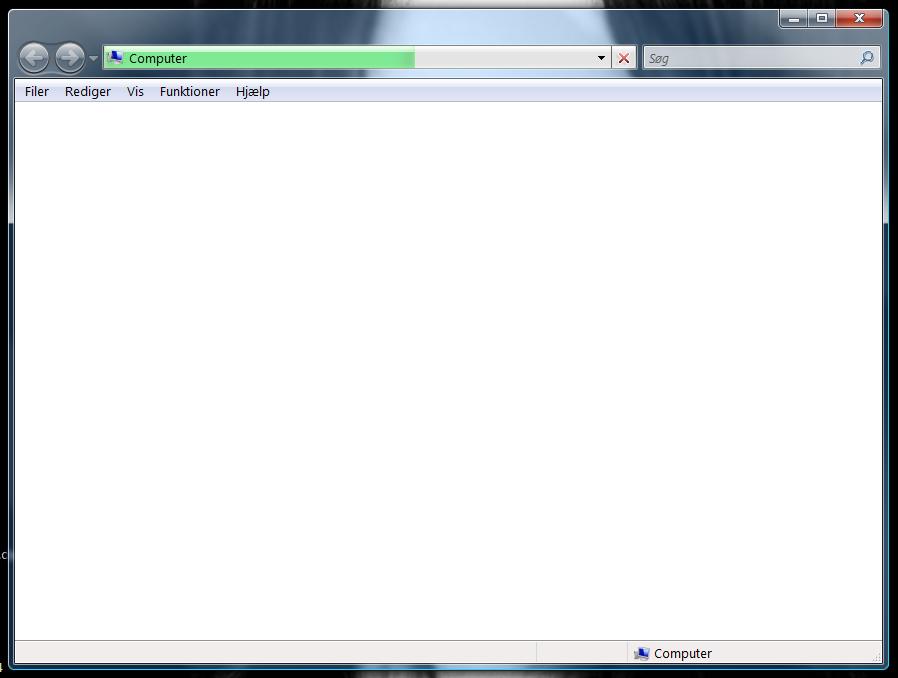
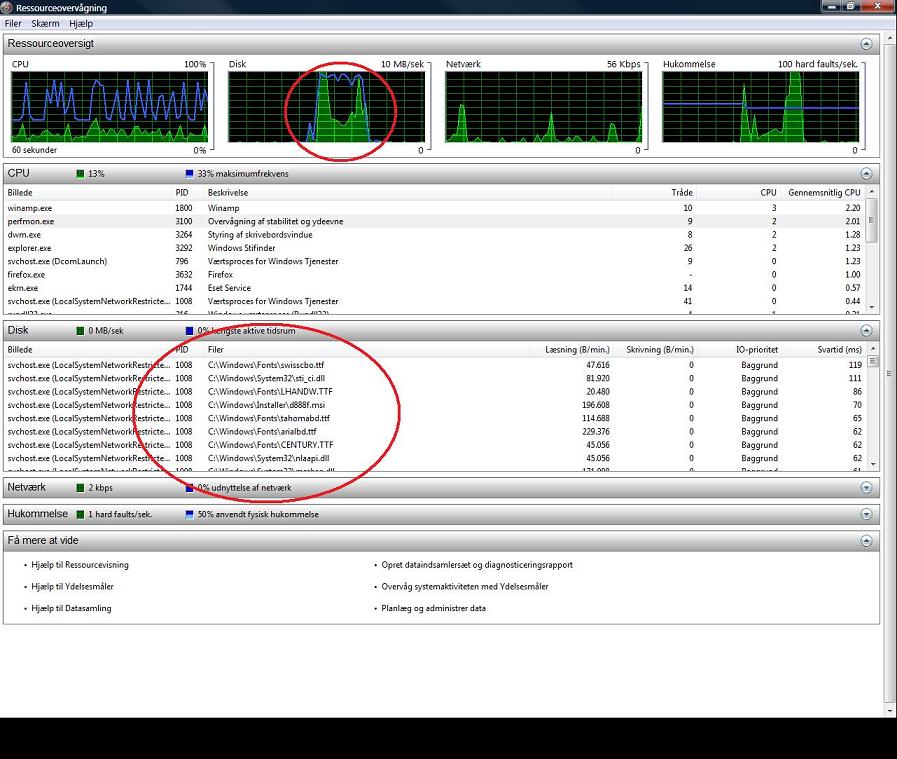
Hey guys. I have a big problem. Whenever i open my "Computer" icon on my desktop it opens an explorer window, that shows me absolutely nothing but a white blank screen After a while (1-2 minutes) it shows my harddrives and is normal. If i close it down and open it aggain, it will do that exact same thing. However, if I access shortcuts that links directly to a harddrive, cd-drive whatever, there is no problems at all and they open up right away. It's ONLY when I try to access "Computer". Im using a HP 8710w laptop, but I'm sure this is something OS related, since it also happened sometimes on my older HP laptop. Hope you guys can help, else I dont know where to turn Update I used Resourcesurveillance to further investigate and this is what i found when opening my "Computer": Update This problem is now solved. I checked safe mode, no problem. Then safe mode with networking, still problem. This lead me to think it was network related. I found out that if I disabled my WLAN the problem would disappear. I then tried to uninstall my network drives, and the problem is gone. I have reinstallated network drives and everything works now. Just wanted to share the info and thank for the replies.